Configured controls
Define the trigger, intended action, exception path and staff oversight for each repeatable task.

Automation
Reduce repeated administration with configured reminders, reports and alerts for the routine tasks your team has agreed.
Start with the staff task, the reason it needs to happen and the checks that keep the outcome under control.
Configured workflows can send emails or SMS, update records, prepare reports and exchange agreed information with supported systems.
Your team decides which routines are suitable, what triggers them and where a person should review an exception.

A repeatable task with controls
Staff task
Action and exception review
Define the trigger, intended action, exception path and staff oversight for each repeatable task.
Run configured scripts when relevant records are created, edited, enrolled or paid.
Run agreed exports, reminders, reconciliations and reports at configured times.
Specialist teams can use Groovy-based scripts and scheduled triggers for agreed workflows after the task, controls and support responsibilities are defined.
Follow practical tasks for the work your team needs to complete, with links to the full official onCourse handbook articles.
Review installed automations and their status. Templates, triggers and connections need configuration for your agreed work.
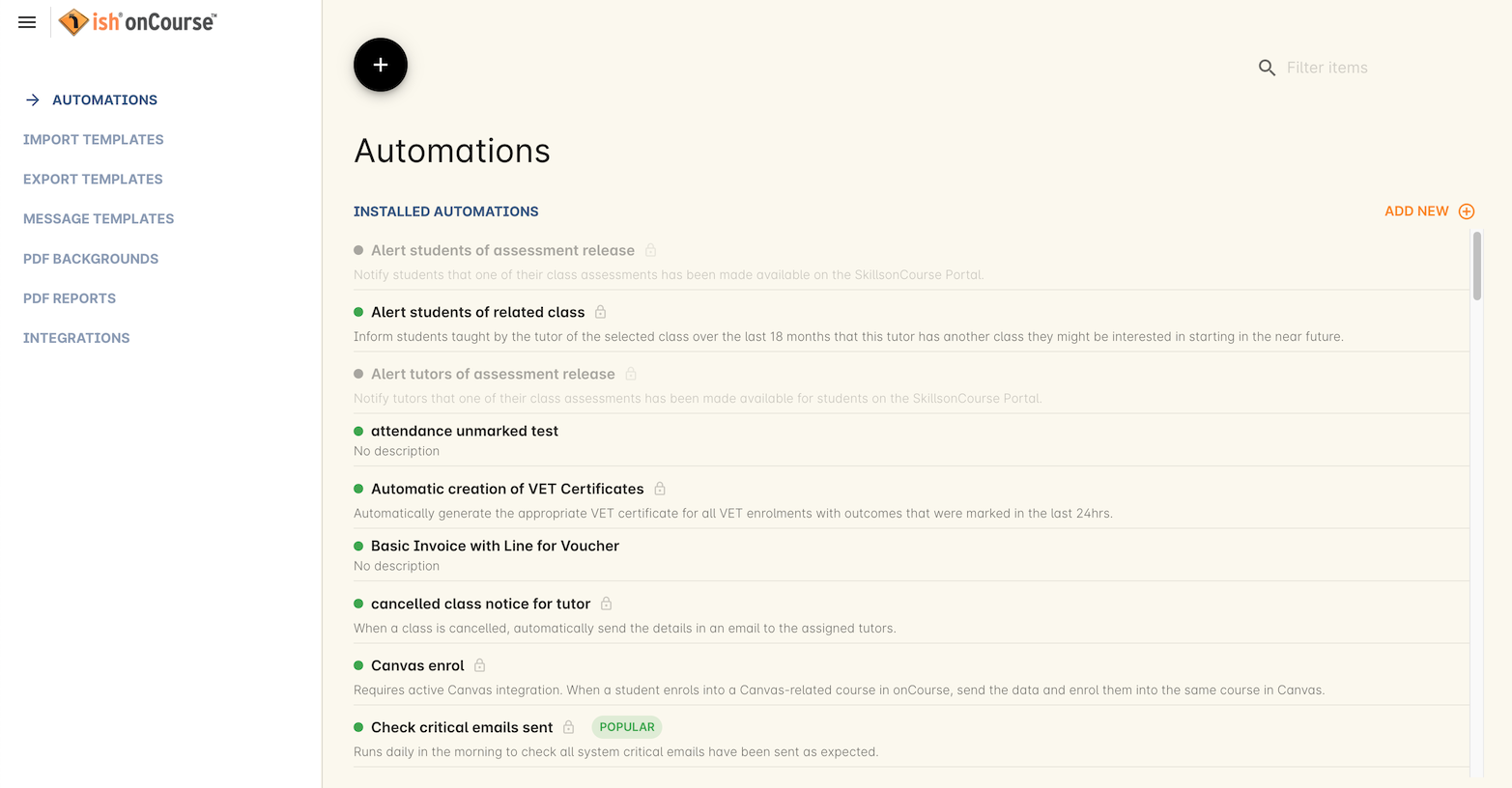
The official handbook page reported an update more than two years before review on 9 October 2026 (Australia/Melbourne). This is not a newly captured customer system or a promise of the exact current interface. Names and amounts shown belong to the documentation example.
Read the handbook source (new tab)